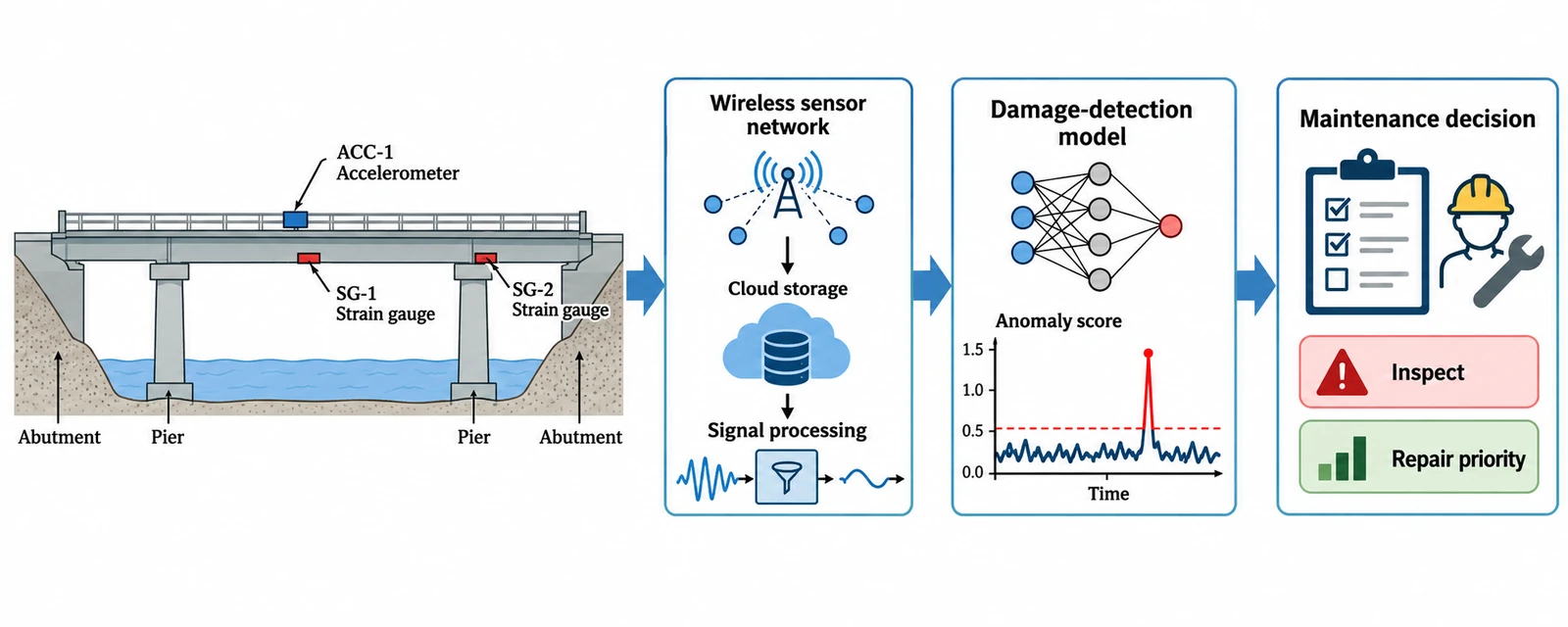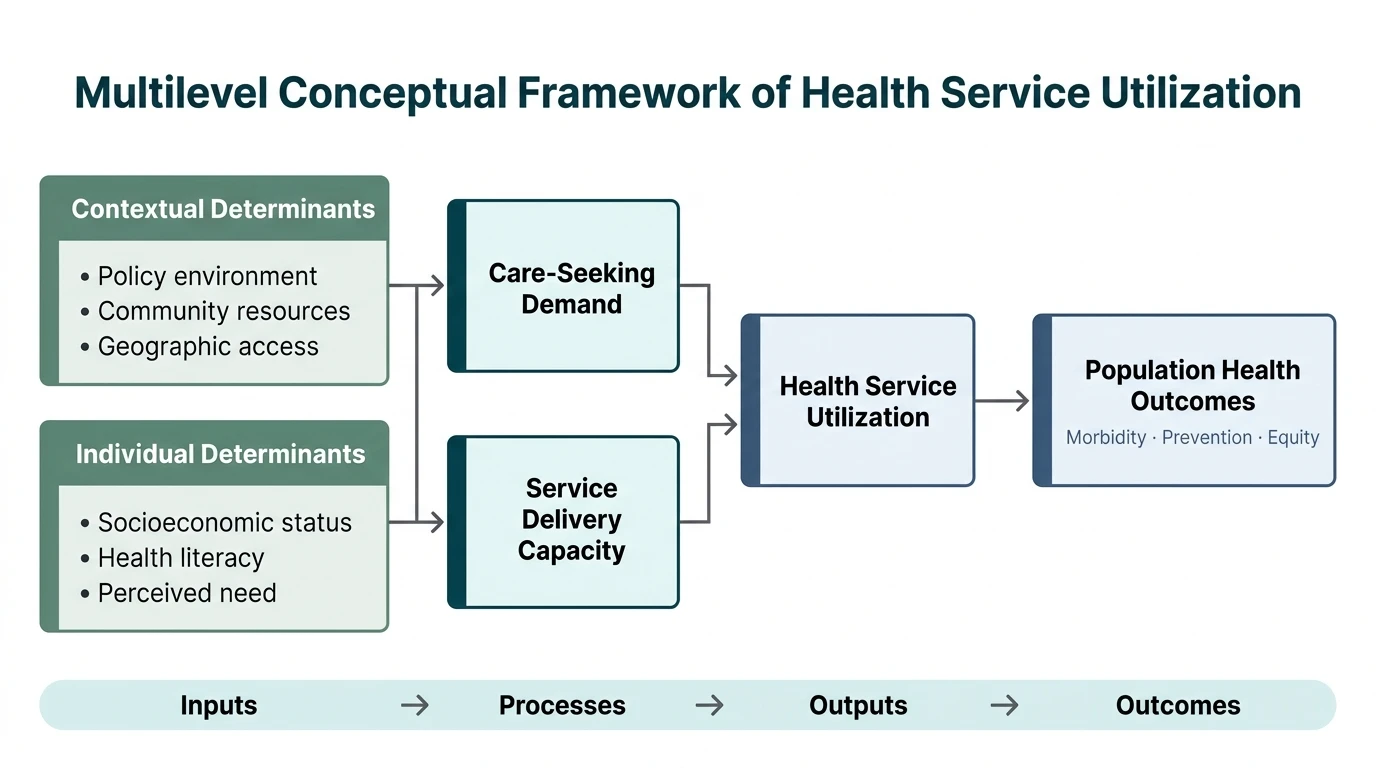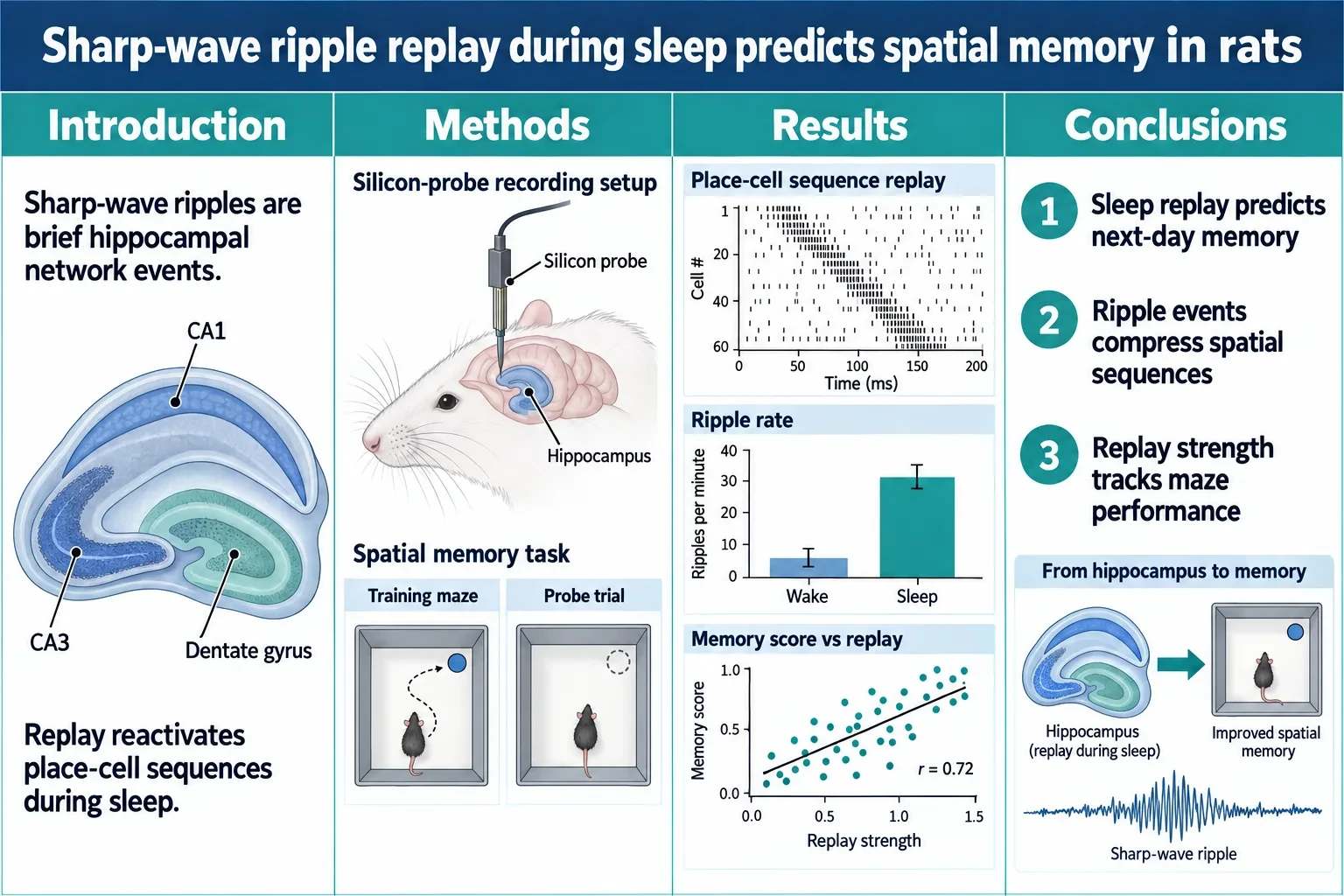
Turn your study mechanism, methods notes, or rough sketch into a publication-ready figure with our AI scientific figure generator—no manual vector drawing required.
Generate a figure or choose an example.
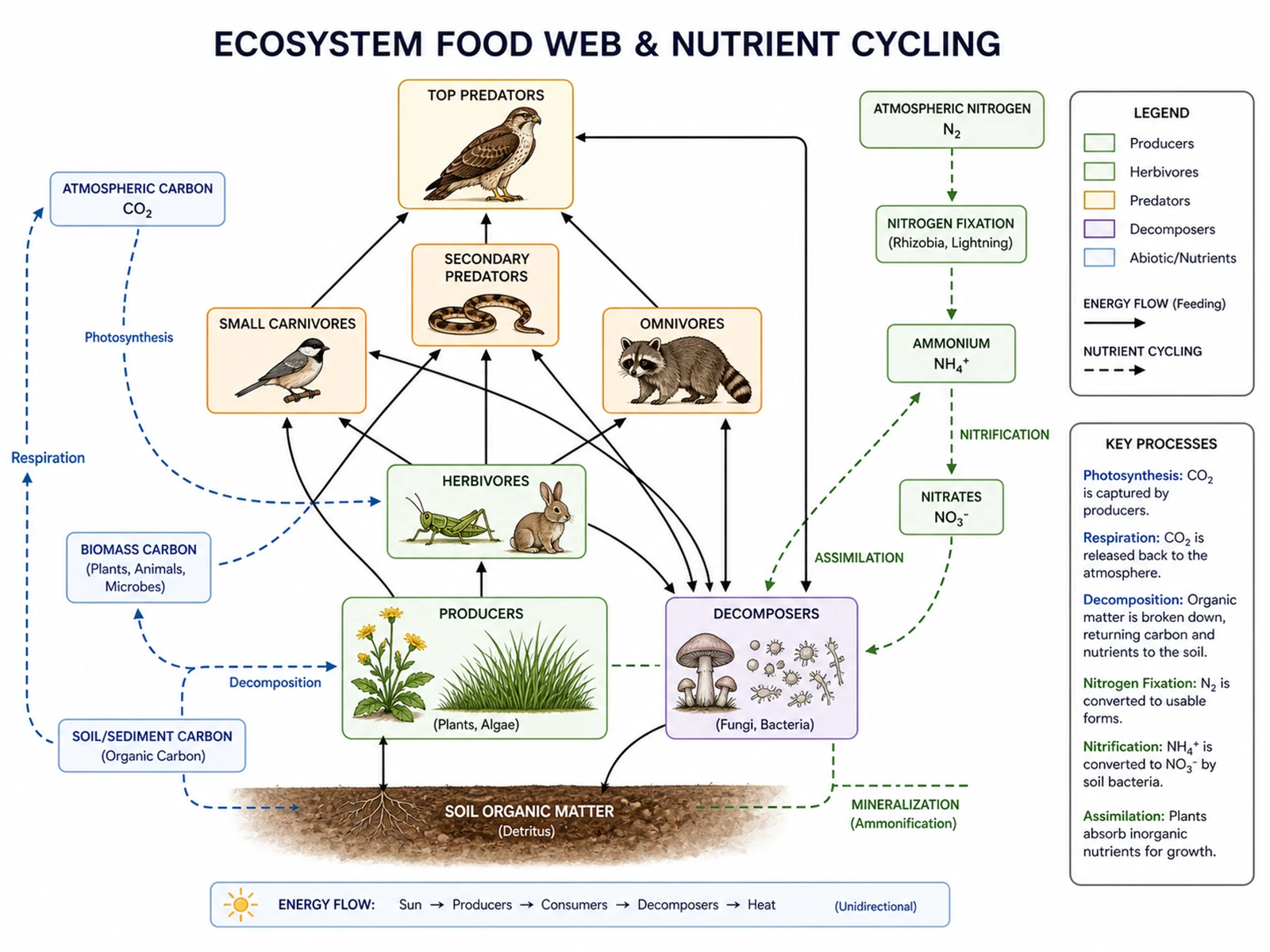
Ecosystem food web & cycling
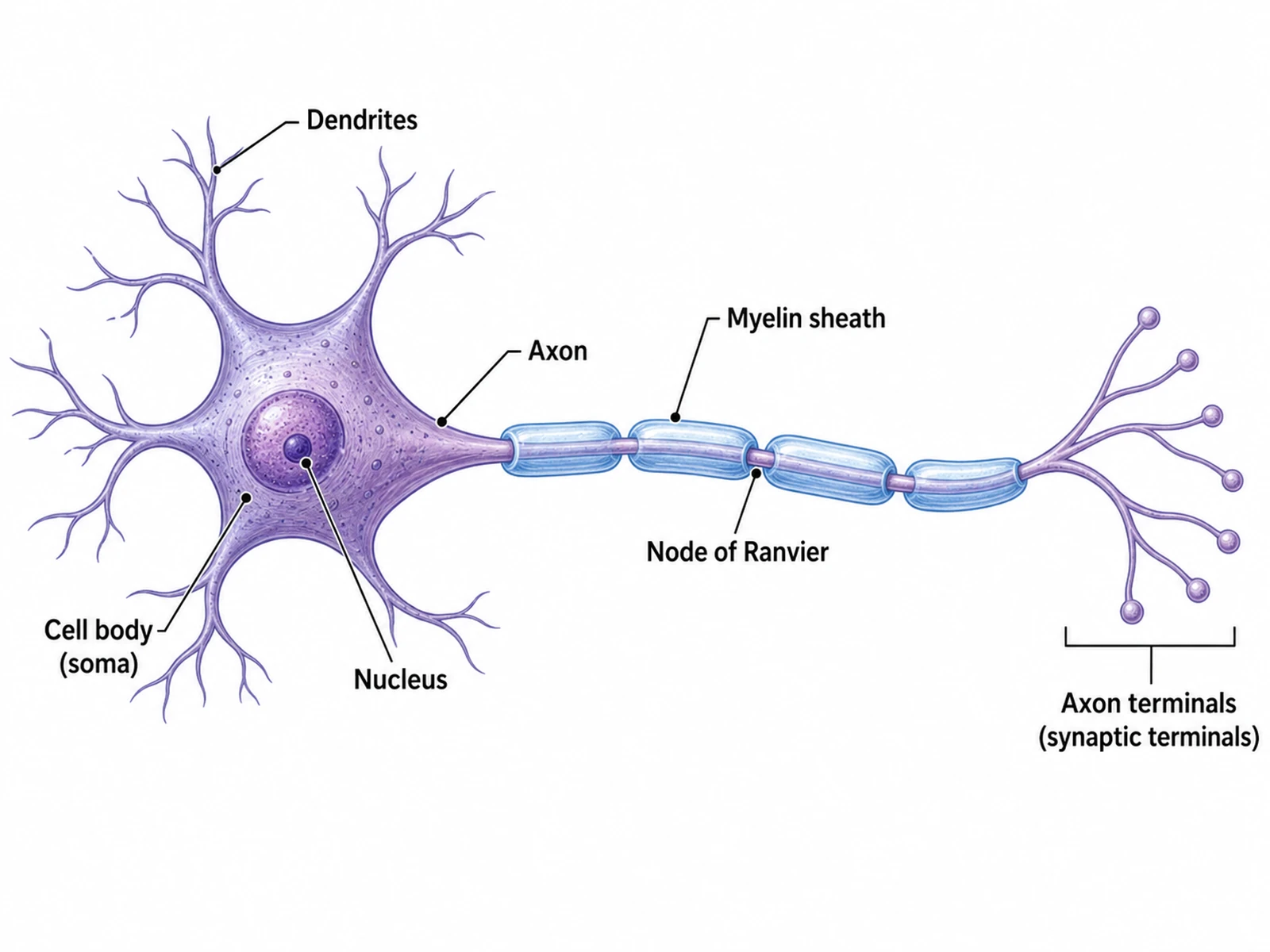
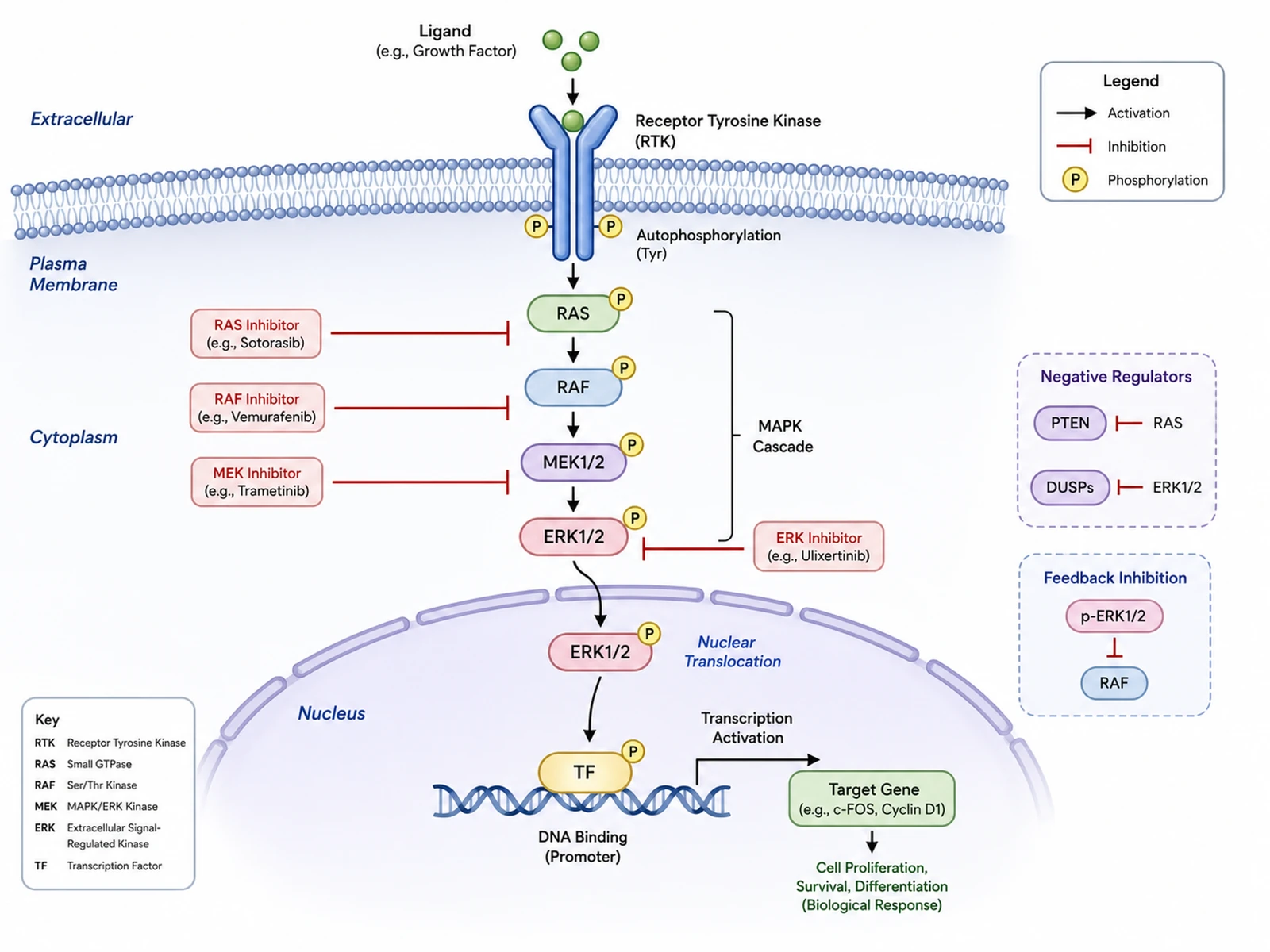
Example 1 of 3Figure 1 | Made with AI Scientific Figure. a, ecology — Trophic levels with carbon and nitrogen cycle arrows. b, anatomy — Dendrites, soma, axon, myelin sheath, and terminals. c, pathway — Receptor activation through RAS, RAF, MEK1/2, and ERK1/2.
Type your pathway steps, paste a methods paragraph, or attach a sketch so the AI scientific figure generator maps your exact structures.
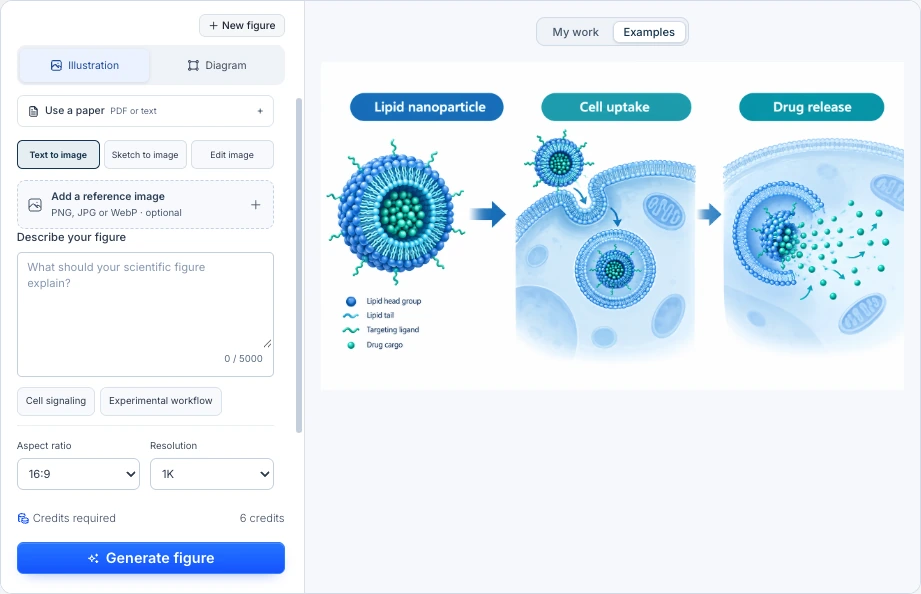
Pick Illustration mode for cellular and apparatus artwork, or switch the AI scientific figure generator to Diagram mode for movable vector nodes.
Refine every arrow and gene label directly on canvas, then download crisp PNG, editable SVG, Visio, or PowerPoint slides.
Manuscript text to structured panels
Drop in your protocol steps and let our AI scientific figure generator arrange a clean, single-column or multi-panel layout ready for co-author review.
Editable labels for Reviewer 2
Unlike flat art tools, this AI scientific figure generator pairs clean artwork with editable text overlays and native vector diagrams you can fix anytime.
Consistent style across your paper
Upload a reference panel so the AI scientific figure generator matches your palette, arrow style, and white background from Figure 1 through supplementary plates.
An AI scientific figure generator is a specialized scientific figure maker that turns plain-English study descriptions, PDF excerpts, or rough sketches into clean academic visuals. Unlike generic art models that bake garbled words into dark backgrounds, it builds white-background figures with editable labels, arrows, and vector diagram layers tailored for manuscripts, grants, and lab talks.
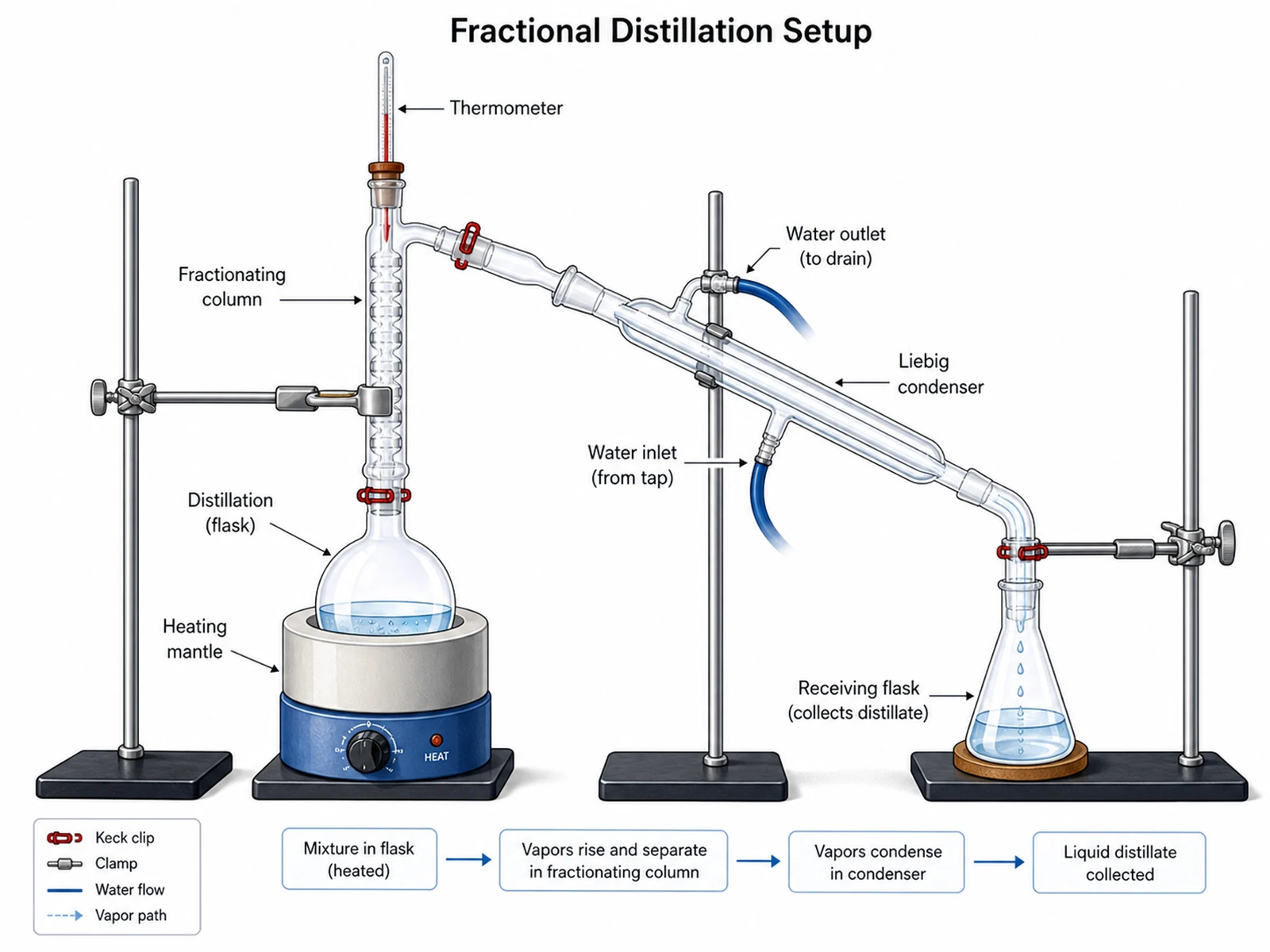
Start by naming each biological structure, apparatus part, or step in order and specifying arrow directions (for example, solid arrows for activation and T-bars for inhibition). Choose Diagram mode when you want every node, connector, and label natively movable in SVG or PowerPoint, or use Illustration mode and refine overlaid text boxes right on the canvas.
Traditional vector editors and diagramming apps give you fine manual control, but you start from an empty grid and drag every membrane, icon, and connector by hand. Our scientific illustration AI drafts the initial multi-step layout or biological schematic in seconds, then exports editable SVG, PPTX, or Visio VSDX so you still keep full manual control over final polish.
You can type a prompt directly, upload a selectable-text PDF (up to 10 MB and 30 pages) to extract a structured figure brief, or attach up to three JPG, PNG, or WebP reference sketches. Before generating, pick 16:9 for wide pathways, 1:1 for single-column panels, or 3:4 for vertical workflows, and select 1K, 2K, or 4K resolution in Illustration mode.
No—and you should never ask an illustration model to fabricate quantitative measurements or statistical curves. Use this AI scientific figure generator strictly for mechanisms, experimental setups, biological pathways, and study workflows, then combine those panels with real data plots exported from R, Python, or GraphPad Prism.
Yes. Researchers regularly draft receptor cascades, organ cross-sections, CRISPR workflows, and ecological cycles in Illustration mode. Because generative AI for scientific illustrations is a drafting aid rather than a biological validator, always check anatomical proportions, phosphorylation sites, and gene nomenclature against your primary sources before submission.
Yes, once you verify final journal formatting. Export 2K or 4K PNGs for high-DPI raster panels, or export SVG and PowerPoint PPTX files to set exact 6–8 pt Arial or Helvetica labels at single-column (85–90 mm) or double-column (170–180 mm) journal widths.
Every new account receives 18 free sign-up credits—enough for three 1K illustrations or six editable diagrams—while canvas text edits, arrow tweaks, and file exports cost zero credits. All generated drafts save privately to My Creations so your AI scientific figure generator history stays ready when reviewers ask for changes.

Start from study notes, a rough sketch, or a PDF excerpt in our AI scientific figure generator, then edit labels and export for your paper.
Create a figure