Turn your accepted abstract or study outline into a structured conference layout with our scientific poster maker—skip blank-slide grid alignment.
Generate a figure or choose an example.
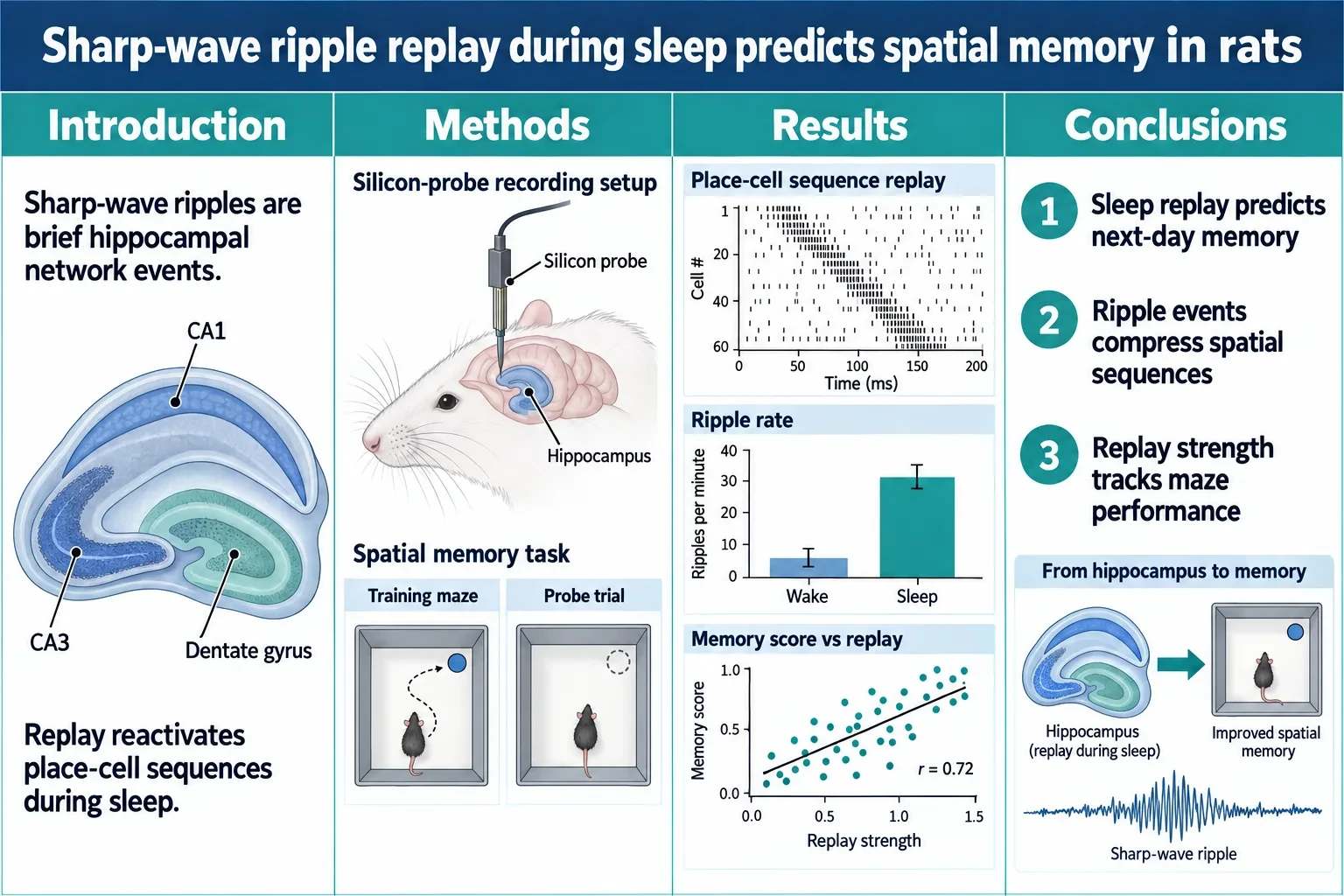
Sleep and spatial memory poster
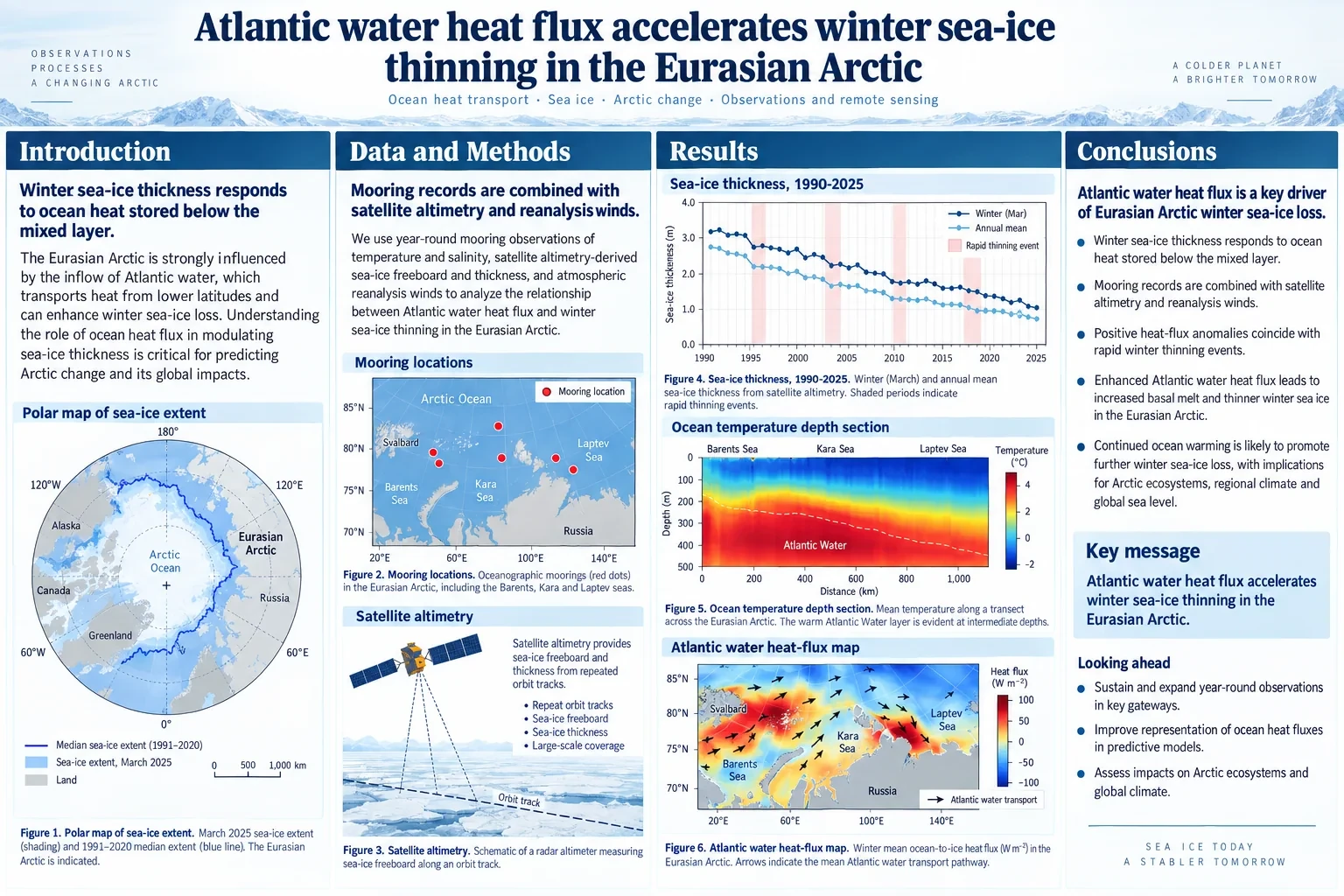
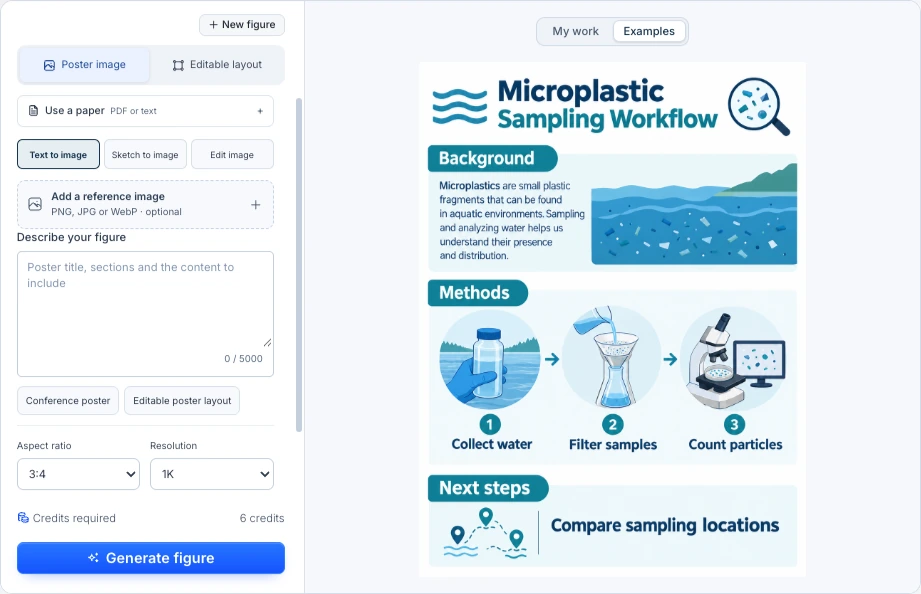
Example 1 of 3Drafted in our scientific poster maker with a bold top banner, a three-step filtration visual, and concise methods and next-step panels.
Organizes six non-overlapping native boxes for Background, Question, Methods, Results, Discussion, and References ready for slide software.
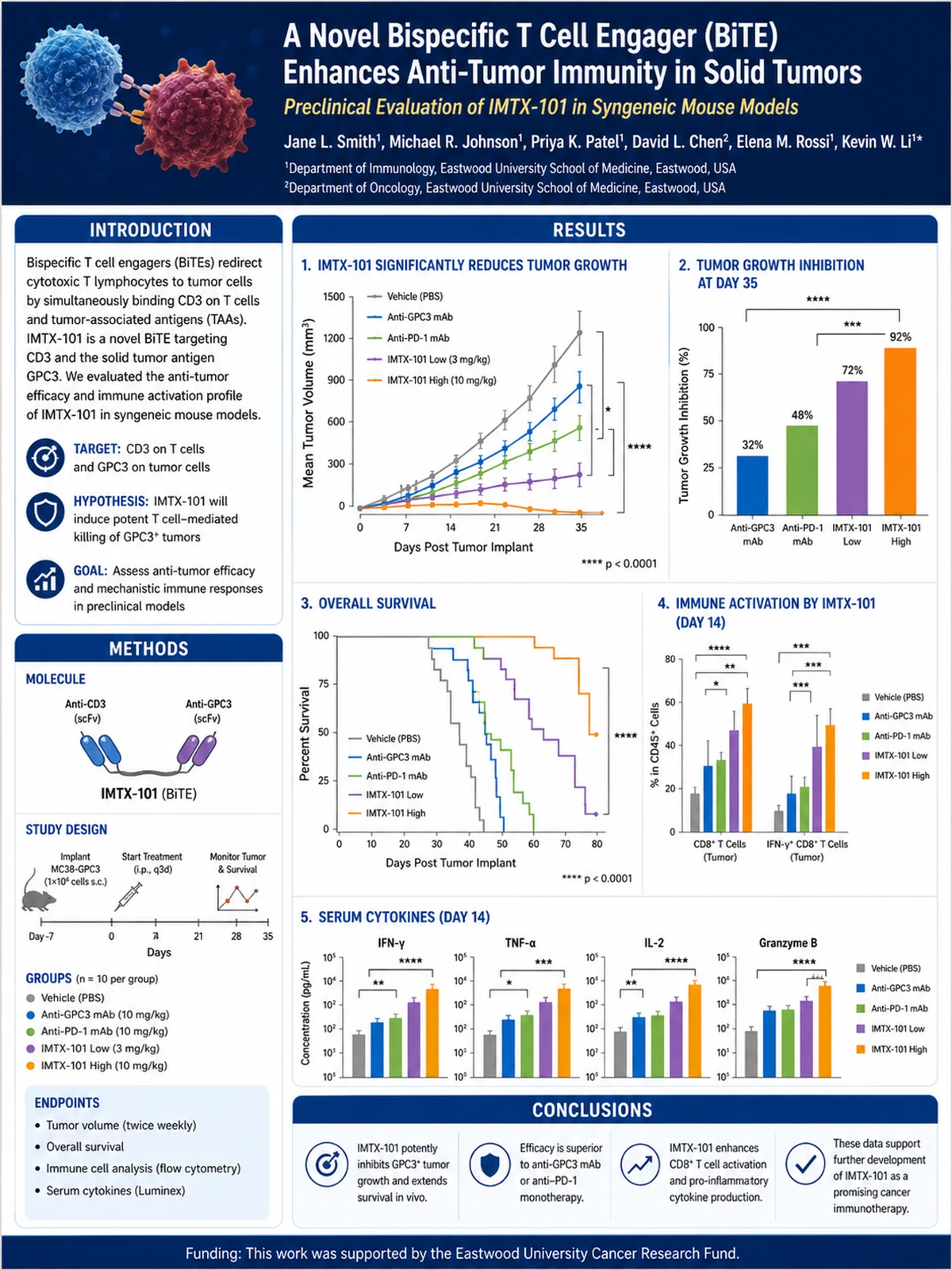
Busy attendees scan, not read. Our scientific poster maker pairs a bold title banner and central graphic with clean, digestible columns.
Build poster draftNever fake study numbers. Draft your visual architecture in the scientific poster maker, then drop in verified plots and citations.
Build poster draft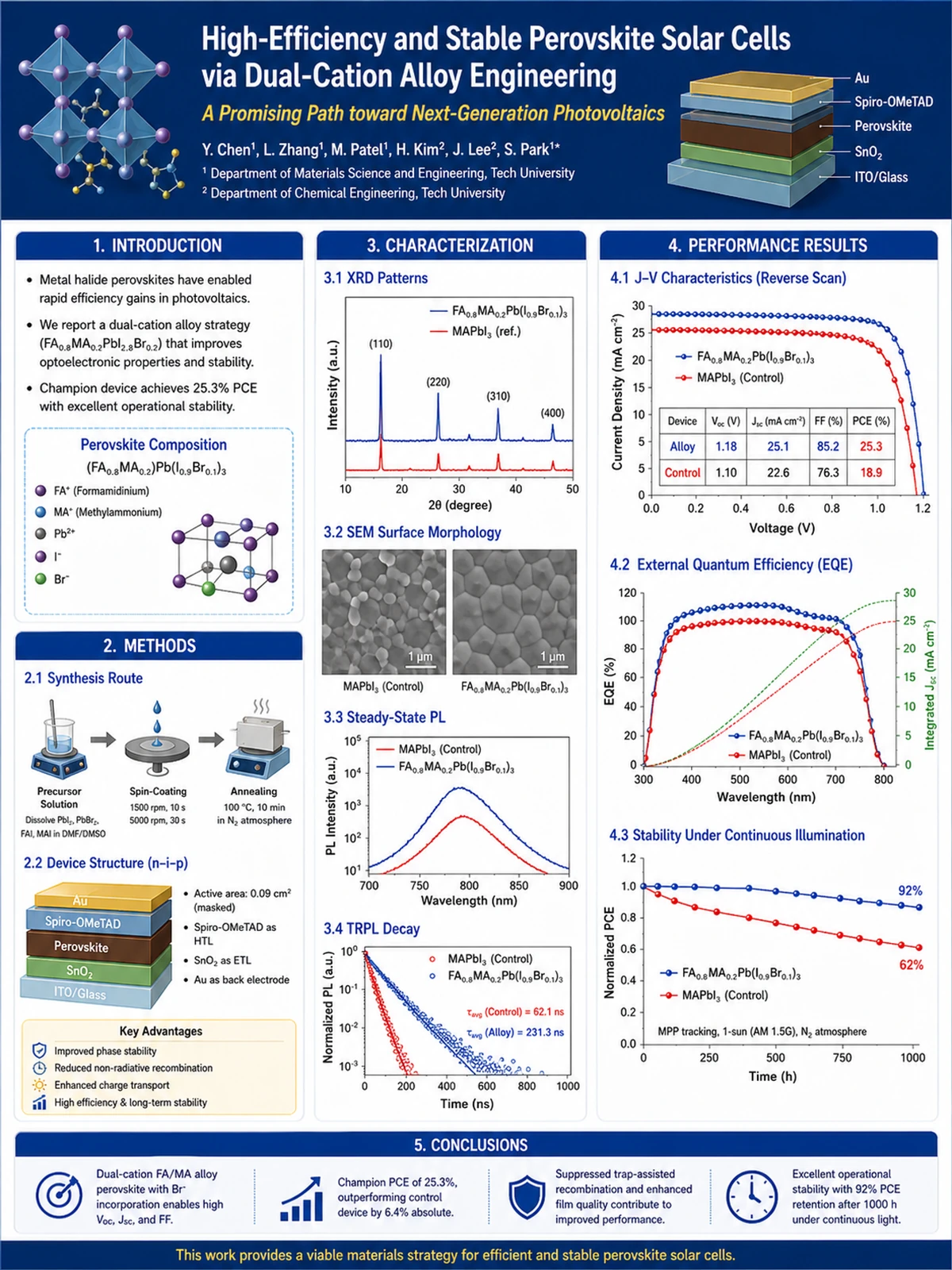
Export Diagram mode layouts from this scientific poster maker straight to PowerPoint, Visio, or Illustrator so large A0 text prints sharp.
Build poster draftPaste your accepted abstract or section titles so the scientific poster maker builds around your real study structure.
Use 3:4 Illustration mode for visual concepts, or run the scientific poster maker in Diagram mode for movable boxes.
Download PPTX or SVG, paste in your verified statistical charts, logos, and references, and send to print.
Instead of nudging text boxes on a blank slide for hours, you paste your abstract or upload a PDF and get a balanced 3:4 academic layout in minutes. As a dedicated science poster creator, it separates visual concept generation from editable vector grids so you can move straight to refining your talk.
Treat Illustration mode outputs as rapid layout concepts and central mechanism visuals rather than final print-ready A0 bitmaps, since small rasterized body text softens when enlarged to 841 × 1189 mm. For razor-sharp large-format printing, generate a Diagram mode layout and export to PPTX or SVG to typeset body text natively.
You can draft, rearrange panels, edit every heading and label, and export SVG or high-resolution PNG files directly in your browser. Exported PPTX files also open cleanly in Google Slides, LibreOffice Impress, Keynote, or Canva whenever you want to add institution logos and QR codes.
Give the research poster AI four concise inputs: your exact poster title, four to six short section headers (Background, Methods, Key Visual, Results, Conclusions), one central mechanism or workflow to illustrate, and a clean two-color palette on white. Keep bullet text brief—under 300–400 total words across the whole board reads best.
No, provided you supply your own headings or request clean placeholder blocks such as "Results — insert measured plot." Always replace placeholder labels inside the scientific poster maker or PowerPoint with your verified charts, institutional affiliations, funding notes, and real references before printing.
In your final A0 or 48 × 36-inch file, aim for 72–96 pt for the title banner, 36–44 pt for section headers, and 24–28 pt for body bullets, leaving at least 35–40% of the board as white space and visuals so visitors can scan your takeaway from two meters away.
New accounts start with 18 free credits—enough to test six editable diagram grids or three illustrated poster concepts—while canvas edits and PPTX, SVG, or PNG downloads are free. Every draft generated in the scientific poster maker stays saved in My Creations for last-minute advisor revisions.

Turn your accepted abstract into a clean 3:4 layout or editable PPTX skeleton in our scientific poster maker in minutes.
Build poster draft